 If an applicant forgets or misplaces their password after receiving the application invitation, they can reset it from the sign-in page.
To reset the password,
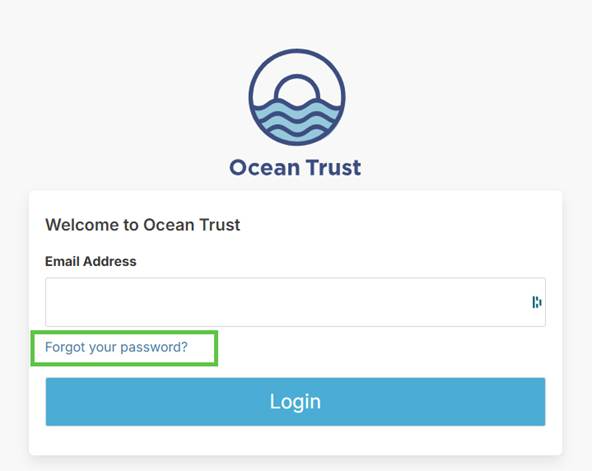
#1. Open the application link from the invitation email and select Forgot password below the sign-in window.
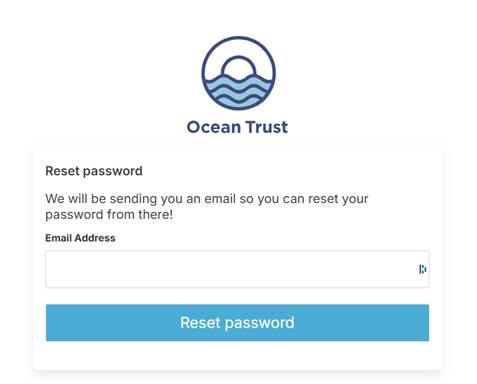
#2. A Reset password window will appear. Enter the email address that received the application invitation, then submit the request. A password reset email will be sent to that address.
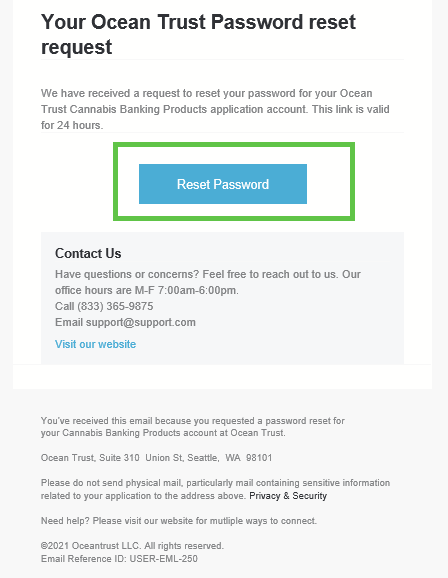
#3. When the email arrives, select Reset Password to create a new password and continue the application.
Was this article helpful?
That’s Great!
Thank you for your feedback
Sorry! We couldn't be helpful
Thank you for your feedback
Feedback sent
We appreciate your effort and will try to fix the article